RE365 is the all-in-one platform designed to make your real estate agency smarter and more advanced. RE365 lets you set up your agency website in just a few steps, track properties, manage leads, manage agents, and much more.Login#
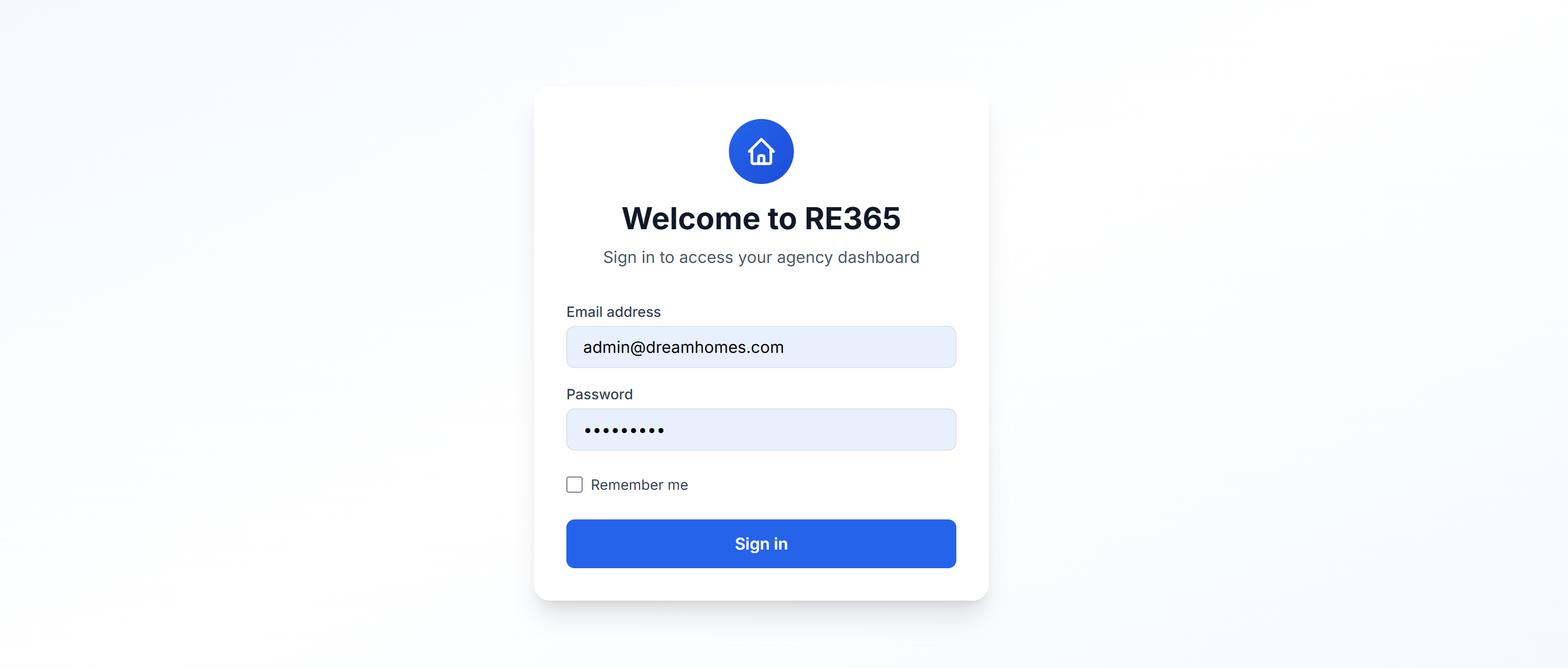
It all starts with a login. Log in to your RE365 account with the email address and password you chose during registration.If you have been provided with a trial account, please note that some features may not be available until your subscription begins.
Dashboard#
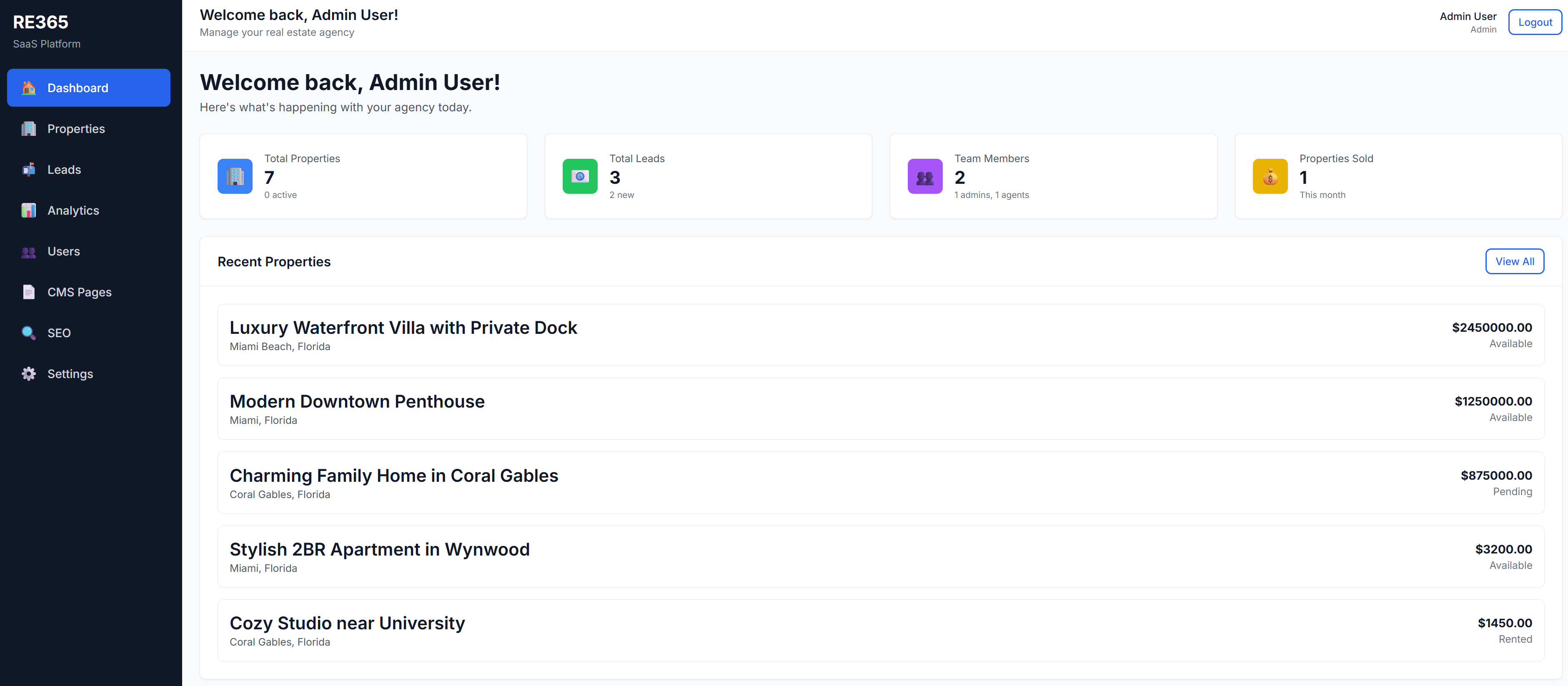
From the Dashboard, you can immediately view quick data:Latest Properties added in chronological order
Properties#
In the "Properties" section, you can add, edit, or delete properties. The section consists of several different tabs for properties, with the option to choose the status for each (e.g., available, sold, rented, draft).
This section is where you'll manage all your available and/or sold properties.Leads#
This section displays all the leads that arrive through the website. You can check their contact details, verify the property they're interested in, change their status, add notes, and soon they'll be able to be managed in Workflows for targeted contact and follow-up actions!Analytics#
Are you a statistics lover? We've got the section for you!Users#
Manage your team members: you can add Agents to view your Leads and Properties. Agents won't be able to edit your website, but they can manage everything else.CMS Pages#
Want to add a page to your website? You can do it in just a few steps using our Builder with a built-in preview. Or do you prefer a landing page? Experiment with our dedicated tool.SEO#
The SEO section allows you to manage both your website's SEO and social media links. You can also manage your sitemap and robots, and integrate external JS like Google Analytics. Endless customization options.Settings#
This section allows you to configure your website, allowing you to choose between three default templates:You can change the main colors directly from the switchers, or easily integrate your domain or subdomain.In the demo some actions are not allowed.